Tauri + Nuxt 踩坑全流程
首先打开tauri 官网
文档指出需要先安装前置
https://tauri.app/start/prerequisites/
还需要安装 RUST https://www.rust-lang.org/zh-CN/tools/install
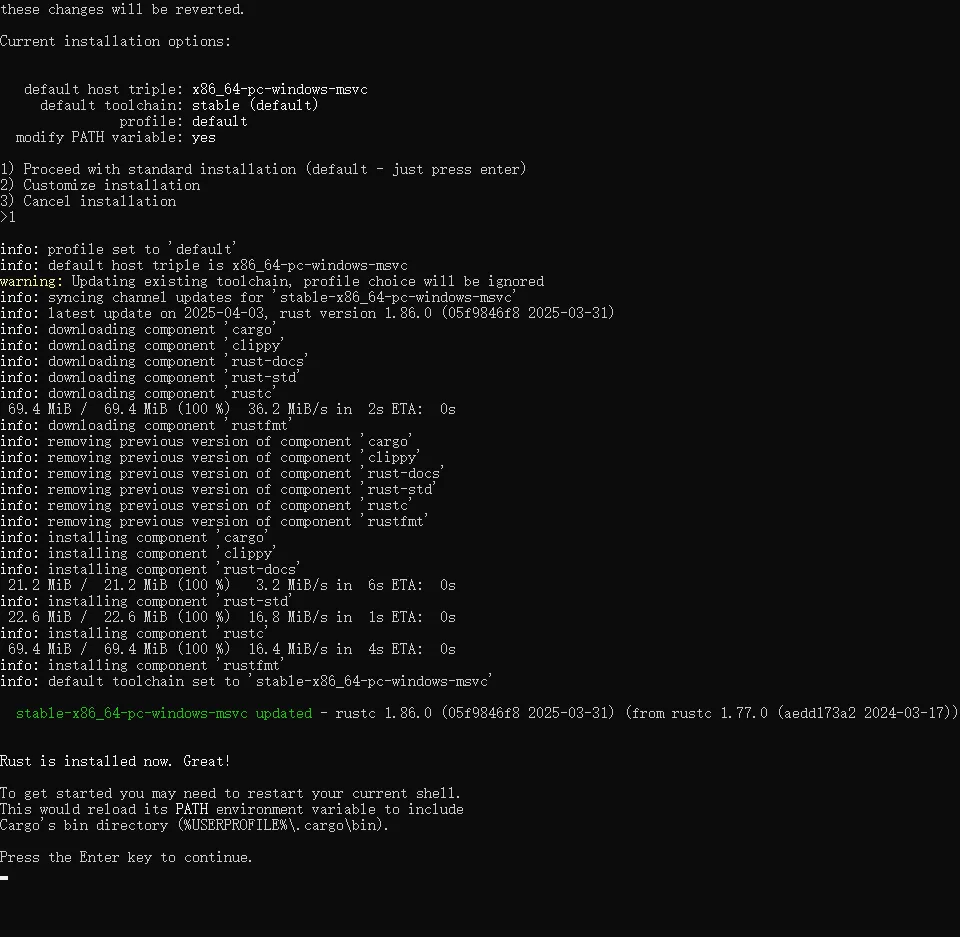 直接选1 进行默认安装
注意设置RUST默认工具链 rustup default stable-msvc
由于涉及到前端开发,还需要安装Node 推荐选中LTS版本,但是我没装NVM,所以先暂时不切换版本,目前使用版本为 v23.5.0
npm create tauri-app@latest
报错
? Project name (tauri-app) › error: IO error: 函数不正确。 (os error 1): 函数不正确。 (os error 1)npm error code 1npm error path E:\Projects\WEB_PROJECTS\Taurinpm error command failednpm error command C:\WINDOWS\system32\cmd.exe /d /s /c create-tauri-appnpm error A complete log of this run can be found in: C:\Users\user\AppData\Local\npm-cache\_logs\2025-04-15T16_11_04_521Z-debug-0.logGit bash 会报错 换用 PowerShell 即可正常运行
成功创建项目